
Looking for some PHP/Magento contract work
I am looking for some contract work for PHP and/or Magento. Magento 1 is where my primary focus lies, though I have done work on Magento 2 as well. In terms of the type
I am looking for some contract work for PHP and/or Magento. Magento 1 is where my primary focus lies, though I have done work on Magento 2 as well. In terms of the type
I had a simple problem where I was trying to use the json array when uploading a file to Slack via the API. The code I was using was $payload = [ ‘json’ =>

Just a quick post up here to help you out. I have a customer who is running their entire Magento operation on on AWS, using RDS as the database. It works quite well, actually.
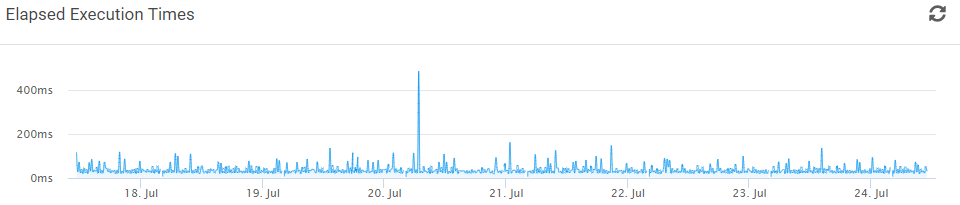
About a month ago a client of mine was lamenting the fact that they didn’t have insight into what was going on with their cron jobs. So I did what any idiot would do

Looking back, 2010 was a really good year for me. It was a few years prior to my time at Magento ECG; I had just left the Zend Global Services group and had become
This is mostly search engine bait, but it might help someone. I’m doing some testing on JMeter, creating a plugin to extend it, and I had this weird problem where it would not load
Ooo boy, this one is going to make a lot of people mad. But I know that it’s true. How do I know that it’s true? Because I have written three books on software
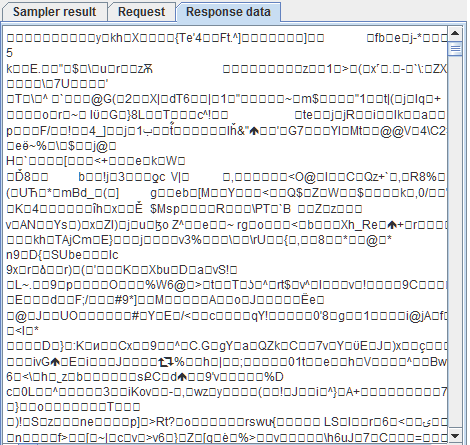
Update: JMeter 3.3 now includes Brotli compression out of the box I am working on a load test for a customer and I ran into a very weird problem where I was not able
Introduction A few days ago there was a question on Twitter about using Docker in production instead of development. I was a little intrigued by the question because my experience has been in the
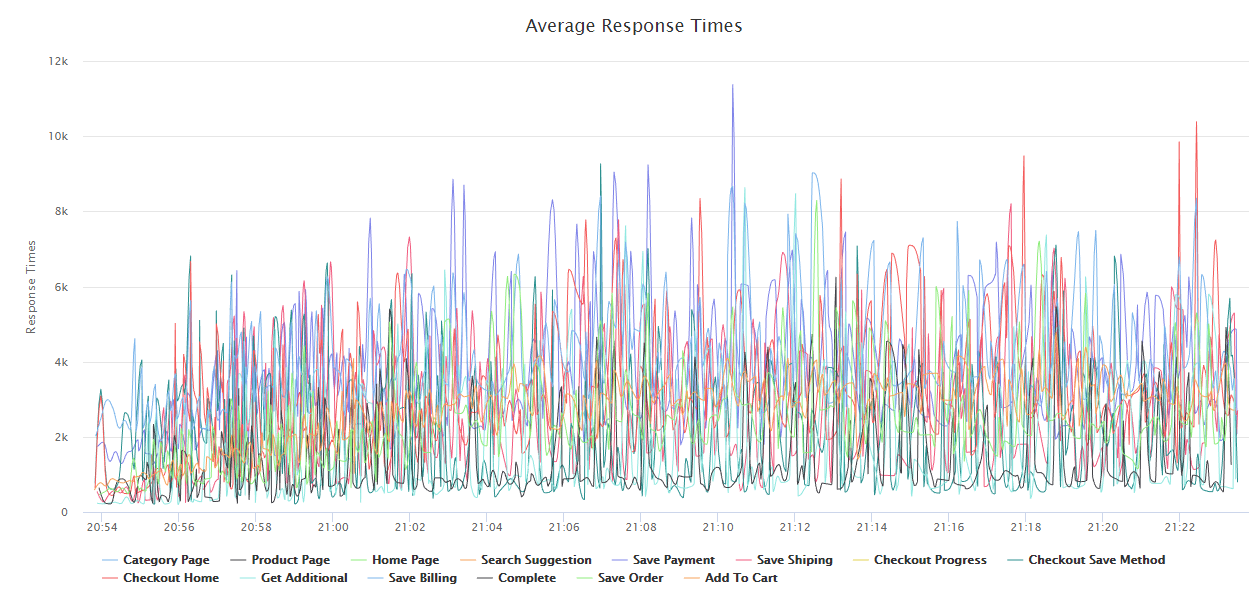
With the holiday season coming upon us more quickly than we would like, preparing your site for the holiday season is a required activity. Load testing your Magento installation is a must before your